Nasu - Private, On-Device Session Notes
Nasu transcribes your sessions, conversations, and voice notes into clean, searchable text — and everything happens on your device. No account, no upload, and nothing to sign. Transcription, speaker labels, and note drafts all run on the iPhone in your hand.
Built for people whose recordings are genuinely confidential: therapists and counselors first, and anyone else — physicians, lawyers, researchers, journalists — who thinks a recording shouldn't be someone else's training data. A cloud scribe's BAA is a promise about what a vendor will do with your clients' words. On-device processing is the absence of that problem.
Key Features
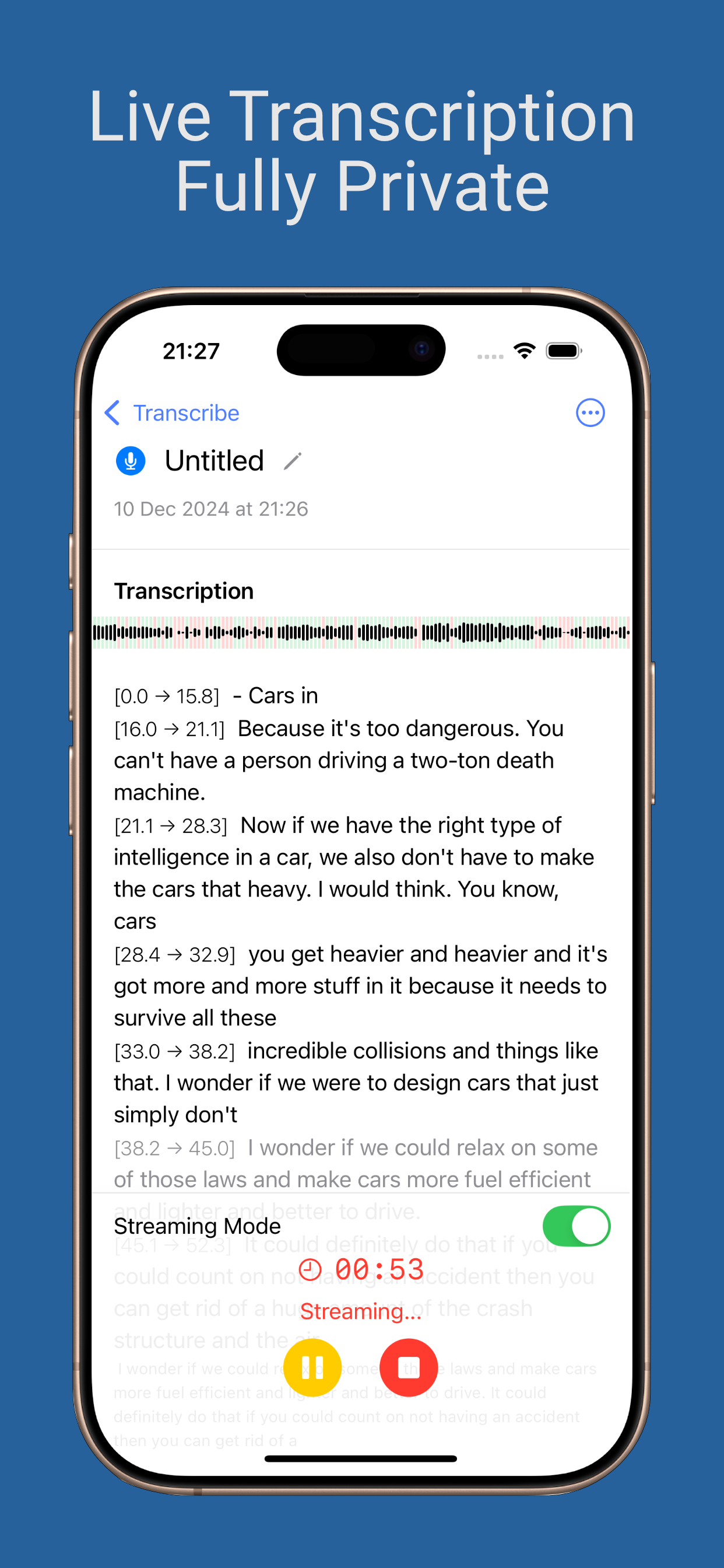
- Private by architecture: transcription, speaker identification, summaries, and clinical note drafts all run entirely on your device. Works fully offline — airplane mode is a feature, not a limitation.
- Who said what: Nasu tells voices apart and labels every turn in the transcript. Name a client's voice once, with consent, and later sessions label them; tap any label to correct it.
- Voice profiles you control: saved only with consent, encrypted, and deletable any time.
- The note you review: SOAP and DAP drafts, generated on your device and only on request — never automatically. Redraft any section, then mark the note reviewed.
- A Clients tab: roster, recency, and every session in one place. Initials-only display for a waiting room or a shared desk.
- Locked and lockable: Face ID or passcode lock, and recording continues with the screen off.
- Clean transcripts: filler words removed automatically — reversibly. Custom vocabulary for the names and clinical terms that matter.
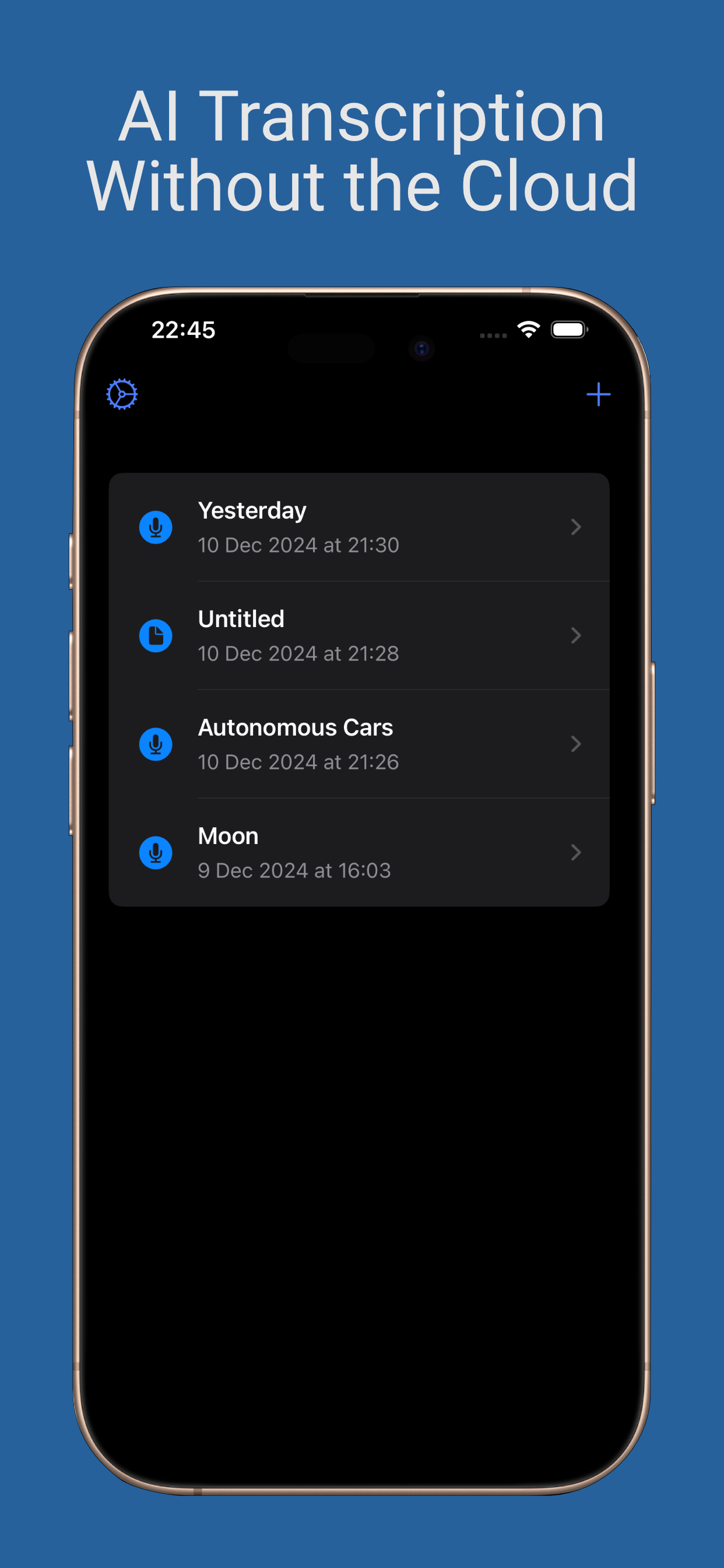
- A library that finds things: folders, tags, and full-text search across every word you ever recorded.
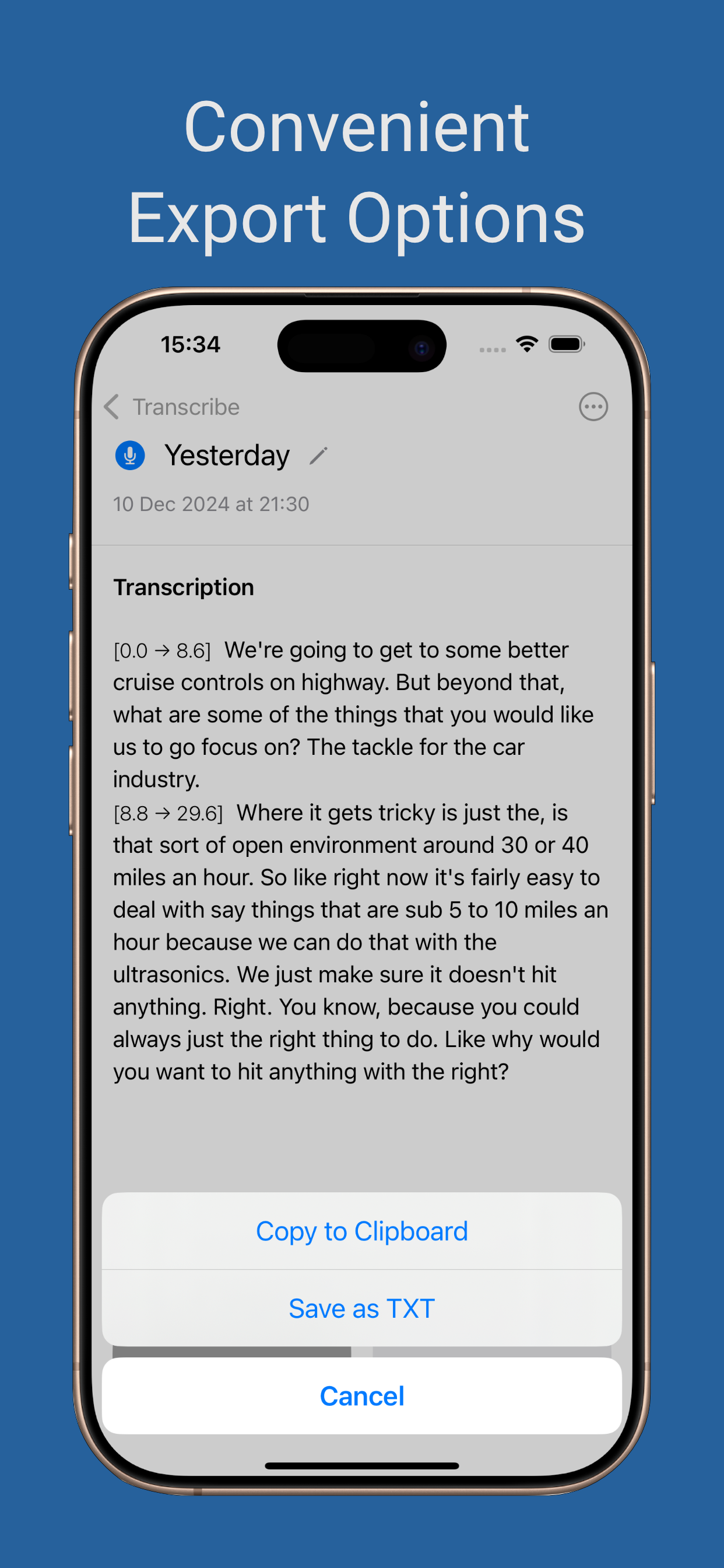
- Your notes, your format: export Markdown, PDF, or plain text — never gated. Record live, transcribe after, or import a file.
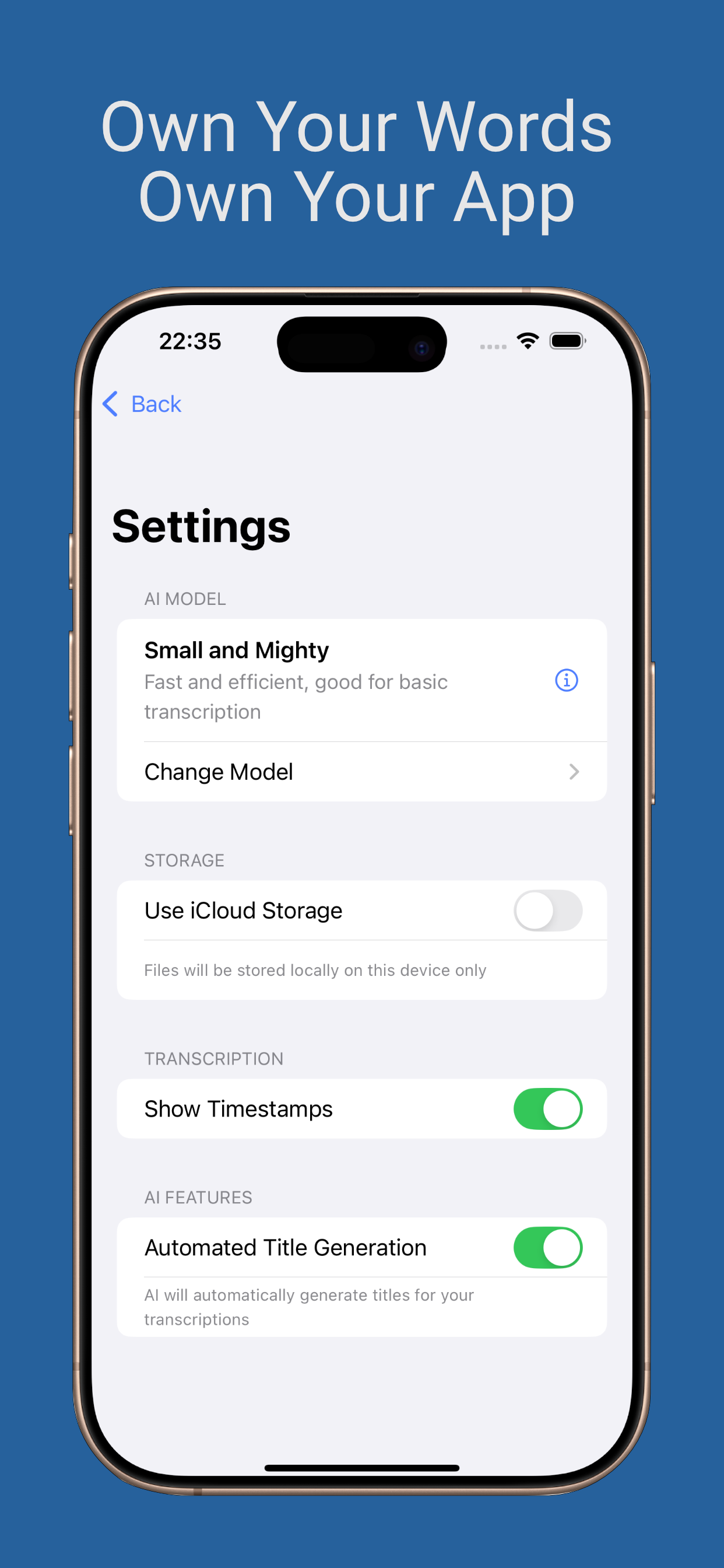
- All your devices: native on iPhone and iPad, runs on Apple silicon Macs. iCloud sync is opt-in and off by default — it uses your iCloud, not ours.
- Languages: English, French, German, Italian, Portuguese, and Spanish — carefully validated rather than promised — with automatic language detection.

Pricing
Recording and export are never gated.
- Free — record any session. The first three transcripts are complete; after that, new transcripts stop at ten minutes. The full audio is always kept.
- Nasu Unlock — a one-time purchase for unlimited transcript length, speaker labels, and custom vocabulary. If you bought Nasu when it was a paid app, you already have this.
- Nasu Pro — an optional subscription that adds SOAP and DAP notes drafted on your device. 7-day free trial, then monthly or yearly; cancel any time in your Apple Account settings.
Nasu is a note tool, not an EHR, not a diagnostic aid, and not a HIPAA certification. Audio and notes stay on your device so there is no vendor to breach.
Versions
Version 5.1 — Polish
- Nasu may occasionally ask how you like it after a few finished transcripts — never mid-session
- Small fixes and polish
Version 5.0 — Built for private practice
- Free to start: record any session, with the first three transcripts complete and later ones capped at ten minutes until you unlock
- Nasu Unlock (one-time) and Nasu Pro (subscription) replace the up-front price; existing paid users keep everything they bought
- SOAP and DAP notes drafted on your device, on request, with a review step before a note is done (Nasu Pro)
- A Clients tab with roster, recency, and optional voice recognition per client
- Face ID / passcode lock, initials-only display, and recording that continues with the screen locked
- Import an audio file to transcribe
Version 4.1 — Nasu knows who said what
- Speaker labels: Nasu tells voices apart and labels every turn in the transcript — entirely on your device
- Name a voice once and Nasu recognizes that person in future recordings; it gets better with every correction
- Voice profiles are consent-gated, end-to-end encrypted, and deletable in one swipe
- A transcript editor: fix any wording, reassign any speaker, replay any line with a tap
- On-device summaries, smarter titles, and tag suggestions with Apple Intelligence (on supported devices)
- "Two-Person Sessions" mode for the most accurate results in 1:1 conversations
Version 4.0 — A ground-up redesign
- A new calm interface, in light and dark, built for focus
- Native iPad support with a side-by-side library and transcript view
- Folders, tags, and full-text search across all your transcripts
- Custom vocabulary, formatted PDF/Markdown export, automatic filler-word removal
- Privacy, tightened: iCloud sync is now strictly opt-in (off by default), and analytics can be disabled
Version 3.0 — AI-powered title generation
- Automatically generated titles, powered by AI entirely on your device
- Improved interface and feedback when switching storage between iCloud and local
Support & privacy
Need help? Visit Nasu Support. Read the full Privacy Policy.